ChatGPT like a pro
ChatGPT is the one everybody has tried and almost nobody has set up. That is the whole gap. The difference between a fresh account and a configured one is bigger than the difference between any two models on the market, and it is made of four or five settings nobody opens, because the default chat box is already good enough to stop you looking.
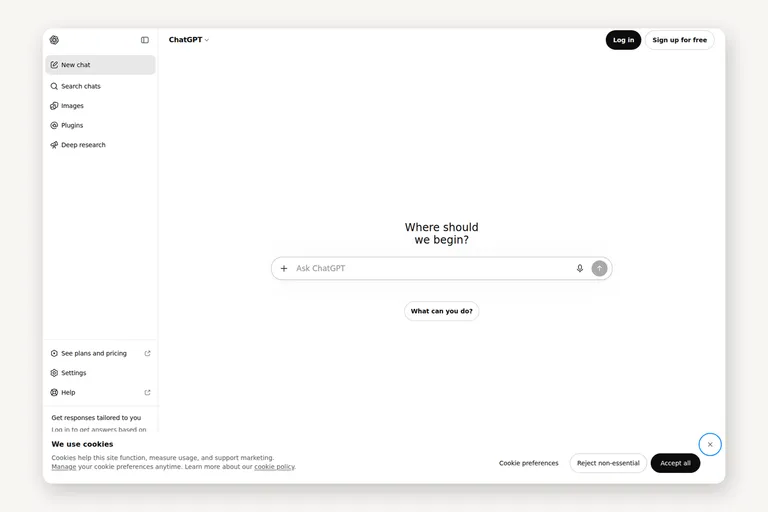
This is not a list of prompts. Prompt tricks age badly — the models absorb them within a release or two. What follows is the setup, the habits, and the parts of the product most people never touch. It is the ChatGPT part of the ladder: tiers 2 to 4, one provider at a time.
The three settings that change everything
Custom instructions. One paragraph, written once, applied to every conversation: who you are, what you work on, and how you want answers. Mine says what I do, what I already know, the language I want, and — the part that matters most — that I would rather have the caveat than the reassurance. Most people leave this blank forever and then wonder why every answer feels generic. It is generic because you never told it otherwise.
Projects. One project per ongoing thing: a job, a course, a side project, a house move. A project keeps its own files and its own history, so you stop pasting the same brief every Monday. The failure mode is one enormous chat with everything in it, which is the AI equivalent of a drawer where cables go to die.
Memory. The account-level memory that carries small facts between conversations. It is genuinely useful and slightly unsettling. Turn it on, then once a month look at what it decided you are. It remembers what you told it, not what is true.
None of these three is a feature you learn. They are five minutes of writing, and they are the difference between an assistant and a stranger.
Working with files
Photographs, spreadsheets, long PDFs, screenshots of an error, a contract you were sent. The habit worth building is simple: attach first, ask second. A question asked with the document in the window and the same question asked without it are not the same question, and only one of them is worth your time.
Two things to know. First, what you get back is only as good as what you handed over — a blurry photo earns a vague answer. Second, the models are now good enough at reading messy real documents that "it can't be trusted with my files" is out of date. It can. Whether you want to hand over a confidential contract is a different question, and that one is decided by your employer, not by the model's accuracy.
Voice, and the phone app
The most underrated half of the product. Holding a button and talking, while walking or while cooking, produces a different kind of question: shorter, more honest, less performative than what you type. The phone app also sees what you see — photograph the machine you cannot identify, the label you cannot read, the error on a screen.
Who it is for: anyone with a commute or a kitchen. Cost: free. What it cannot do: keep talking when the signal drops — it is still a network product. What I use it for: thinking out loud on the way somewhere, and reading things I cannot read myself.
Deep research, and agents
Two features people underestimate because they take time.
Deep research reads dozens of sources over several minutes and writes you the report with citations. Who it is for: anyone whose question needs five sources rather than one. Cost: it is a paid-tier feature, and the honest reason to pay. What it cannot do: be fast. Asking it something you could have checked in ten seconds is a waste of ten minutes. What I use it for: buying decisions, unfamiliar industries, anything where the answer is a landscape rather than a fact.
Agent mode is the other one: you give it a task shaped like "collect, check, fill in, tell me what you could not do", and it works for a while and comes back. Who it is for: repetitive work with a clear finish line. What it cannot do: deserve blind trust — read the result before you send it anywhere. What I use it for: gathering and reshaping, never deciding.
Custom GPTs and connections
A custom GPT is a saved setup: instructions, files and a name, shared through a link. Who it is for: the one task you and three colleagues repeat. What it cannot do: think better than the model underneath it. If making one takes an afternoon to save you ten minutes a month, skip it — the honest reason to build one is that other people will use it.
Connections are the other half of this: handing ChatGPT access to other apps so it can read your notes or your drive. This is where the product stops being a chat window. It is also the tier-4 question — what a model is allowed to touch — and I would keep the list short for the first month.
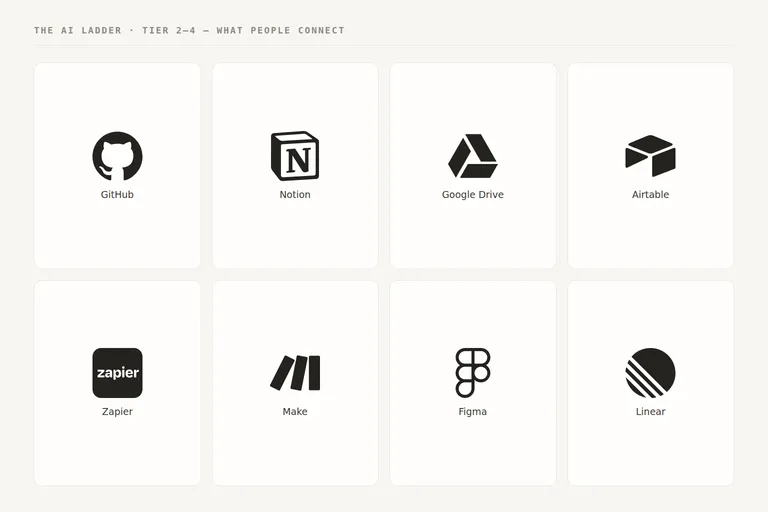
[ fig. Tier 4 questions start here: what a model is allowed to reach. ]
The desktop app, and Codex
The desktop app brings three things the browser cannot: it can see your screen, it can work with local files, and it is one keystroke away from whatever you are doing. Who it is for: people who work on a computer all day. What it cannot do: be invisible — the convenience is bought with a fair amount of accidental access.
Codex is OpenAI's coding agent: the same idea as Claude Code or Gemini CLI, with extra weight on running tasks in the cloud rather than on your machine. Worth knowing about even if you do not write code, because it is the clearest example of the difference between an assistant that answers and an agent that works.
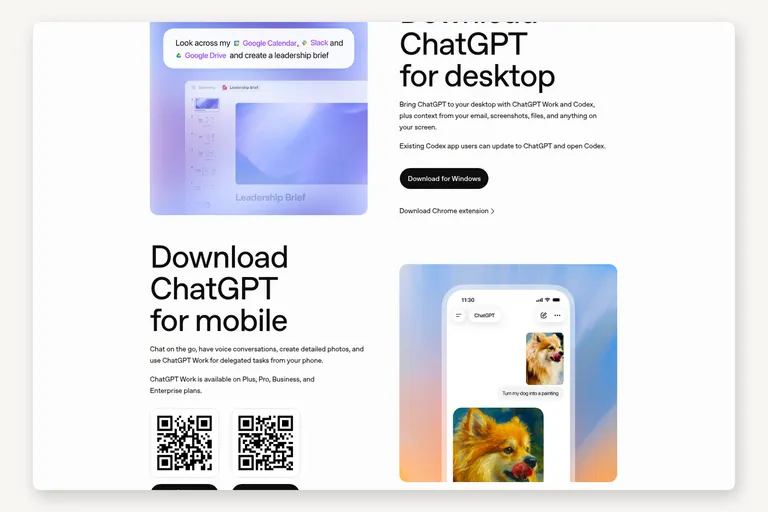
[ fig. Screenshot: openai.com/chatgpt/desktop ]
What to stop doing
1. Collecting prompts. A library of thirty magic prompts is thirty prompts written for someone else's job. Your instructions beat every one of them.
2. Asking for facts you will not check. It is confidently wrong at exactly the rate you would expect from something that never says "I am not sure" unless asked.
3. Asking for the expert version. "Answer as a world-class expert" changes the vocabulary, not the substance.
4. Treating it as a search engine. If you want ten links, use a search engine. If you want the answer and the sources, ask properly, with the material attached.
5. Starting a new chat for everything. Continuity is the feature. A project is how you get it.
What it costs
The free tier is enough for tiers 1 and 2 of this ladder: a chat box, files, photos, voice, a decent amount of use. Pay only when you hit one of two walls — you run out of room on the good models, or you want the surfaces that are not free: deep research, agents, the desktop app's context, and the coding agent.
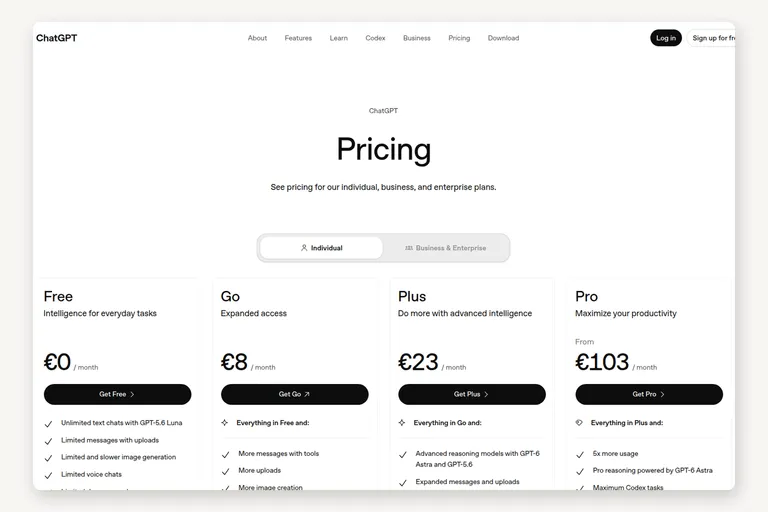
[ fig. Screenshot: openai.com/chatgpt/pricing — check it, these change. ]
Two honest notes. The plans get renamed and repriced often enough that any figure I write here goes stale, so check the page rather than a blog post. And the higher tier is not "better answers" — it is more room and the heavier tools; if you are not hitting limits, you are buying nothing.
The honest summary
ChatGPT's problem is not capability, it is default settings. The free product everyone has tried is roughly the fourth-best version of the same product, and the upgrade is not a purchase — it is twenty minutes of writing down who you are, and the discipline to keep one project per thing.
Do that first. Then decide whether you need to pay for anything at all.
Everything in this series is filed under The AI ladder. Next: Claude end to end, then the desktop editors.
More in the series
- From a chat box to a second brain: choosing your approach to AI
- Google's stack: what's actually in it
- ChatGPT like a pro reading
- Claude, end to end
- Desktop apps and editors
- Command Line Interface agents
- Running a model on your own machine
- The second brain that reads itself
- Automation: agents that run without you
- What's worth paying for